
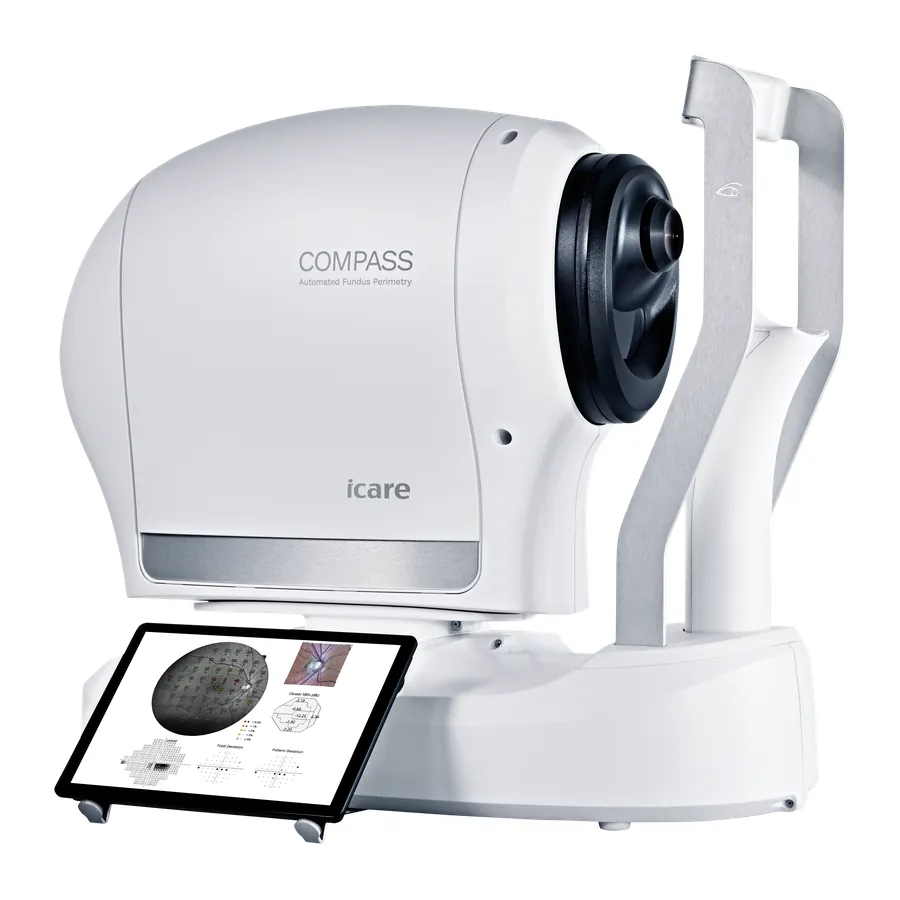
COMPASS Perimeter
The COMPASS is a perimeter that watches the retina while it tests. Infrared scanning tracks eye movement 25 times a second and repositions each stimulus before and during projection based on where the eye actually is, so you know where on the fundus each threshold point was measured rather than where the patient was supposed to be looking. The built-in confocal scanning ophthalmoscope captures a 60-degree TrueColor fundus image in the same sitting, and SmartMosaic extends that to a 100-degree horizontal montage. Auto-focus across -12D to +15D removes the trial lens, which shortens the test and takes lens rim artefacts out of the result. For a glaucoma practice, the argument is that structure and function come back registered to each other by the instrument rather than by eye.
What it does
- Active retinal tracking at 25 Hz for continuous fixation compensation
- Standard test patterns: 24-2, 30-2 and 10-2 visual fields
- Five strategies: ZEST Fast, ZEST, 4-2 full threshold, Suprathreshold and Quick Suprathreshold
- ZEST Fast is 30% faster than ZEST in glaucoma patients and 40% faster in healthy patients, per iCare
- 60° TrueColor confocal fundus imaging, to 100° horizontal with SmartMosaic
- Non-mydriatic: minimum 3 mm pupil, no dilation required
- Auto-focus from –12D to +15D, so no trial lenses and no lens rim artefacts
- Smart Progression Analysis reports event, global trend and pointwise trend
- 5 megapixel sensor (2592 × 1944) at 17 µm resolution
Is it right for your practice?
Best fit
Glaucoma-focused practices, advanced disease management, neuro-ophthalmic workups, and doctors who want structure and function registered by the instrument rather than by eye.
Why consider it
If your current perimeter relies on the patient holding fixation unaided, COMPASS removes that variable: infrared tracking follows the retina 25 times a second and repositions each stimulus before and during projection. iCare describes it as the first fundus-controlled perimeter able to run standard visual field tests while capturing TrueColor confocal fundus images. Because the field data and the 60° image come from one instrument in one sitting, structure and function arrive already registered. Smart Progression Analysis reports event analysis, a global trend and pointwise trend with a progression rate.
What to compare
This is a glaucoma instrument that earns its place on progression data. A practice running a modest field volume on a working perimeter may get more from replacing something else in the lane first. The practical test is how often unreliable fields currently force a retest, and whether you are making progression calls you do not fully trust.
Ask me about
What your current perimeter's reliability indices look like across a month, whether the tracked data changes your management, and how the fundus imaging overlaps with a camera you may already own.
Specifications
| Projection Field | 30° radius |
|---|---|
| Dynamic Range | 0–50 dB |
| Background Luminance | 31.4 asb / Max: 10,000 asb |
| Stimulus | Goldmann III, round, white, 200 ms |
| Fixation Control | 25 Hz automated retinal tracking |
| Imaging FOV | 60° diameter (100° horizontal with SmartMosaic) |
| Imaging Sensor | 5 megapixels (2592 × 1944) / 17 µm resolution |
| Light Sources | IR LED (825–870 nm) / White LED (440–650 nm) |
| Imaging Modalities | Color, infrared, red-free, stereoscopic, SmartMosaic |
| Auto-focus Range | –12D to +15D (no trial lenses) |
| Display | Tablet-operated multi-touch color display |
| Storage | SSD ≥480 GB |
| Dimensions (W × D × H) | 360 × 620 × 590 mm |
| Weight | 25 kg (55 lbs) |
| Power | 100–240 VAC, 50–60 Hz, 80 W |
| Test Strategies | ZEST Fast, ZEST, 4-2 (full threshold), Suprathreshold, Quick Suprathreshold |
| Working Distance | 28 mm |
| Connectivity | 1 × Ethernet, 3 × USB |
| DICOM | File export and modality worklist |
Worth comparing
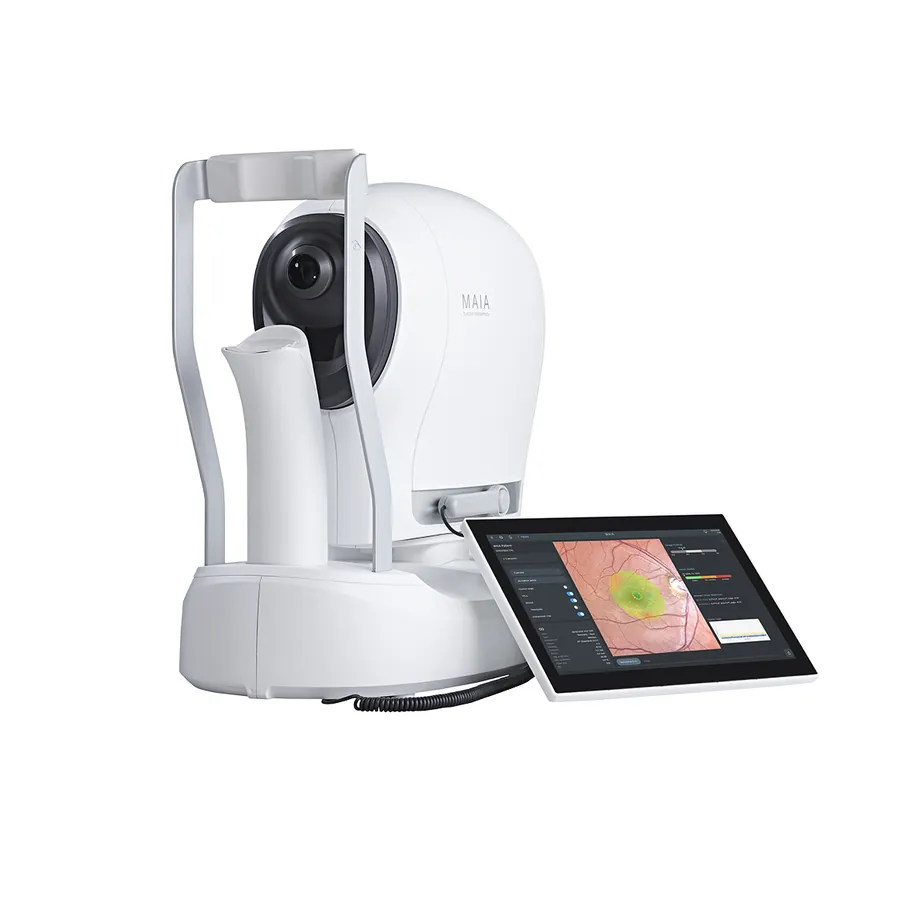
iCare MAIA TrueColor Microperimetry
TrueColor microperimetry: retinal sensitivity mapping, 25 Hz fundus tracking and confocal imaging in one automated exam.
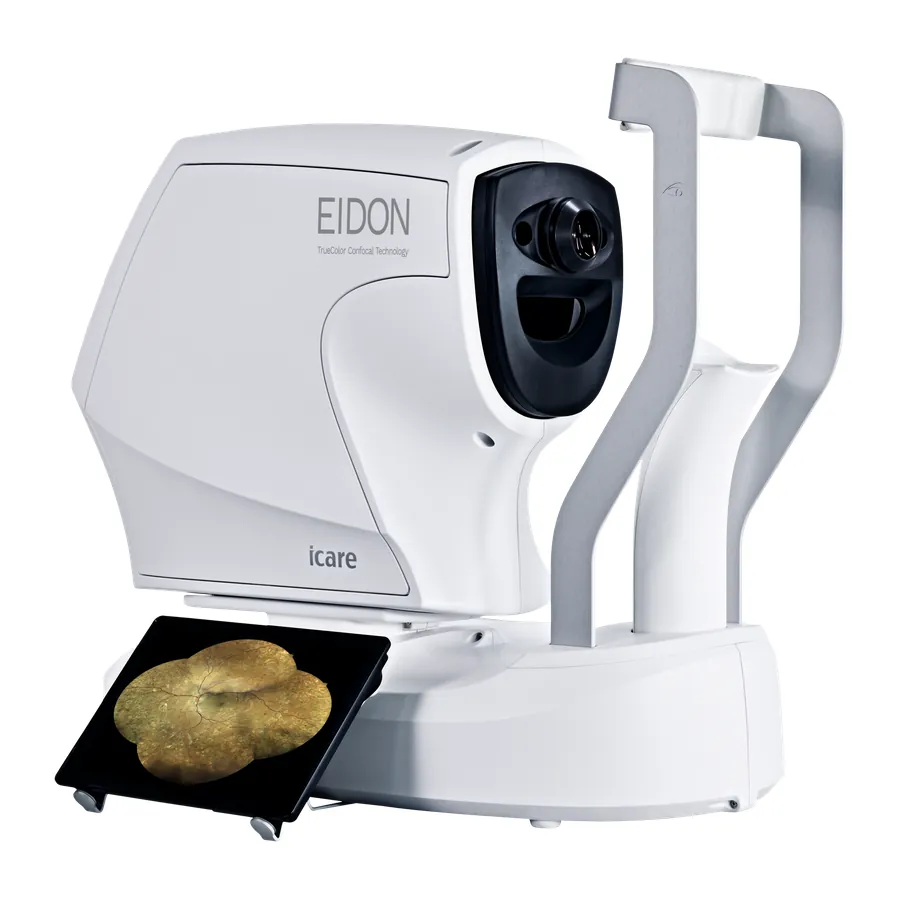
iCare EIDON UWF Retinal Imaging
TrueColor confocal retinal imaging, with the Ultra-Widefield Module reaching up to 200 degrees from the posterior pole to the periphery.
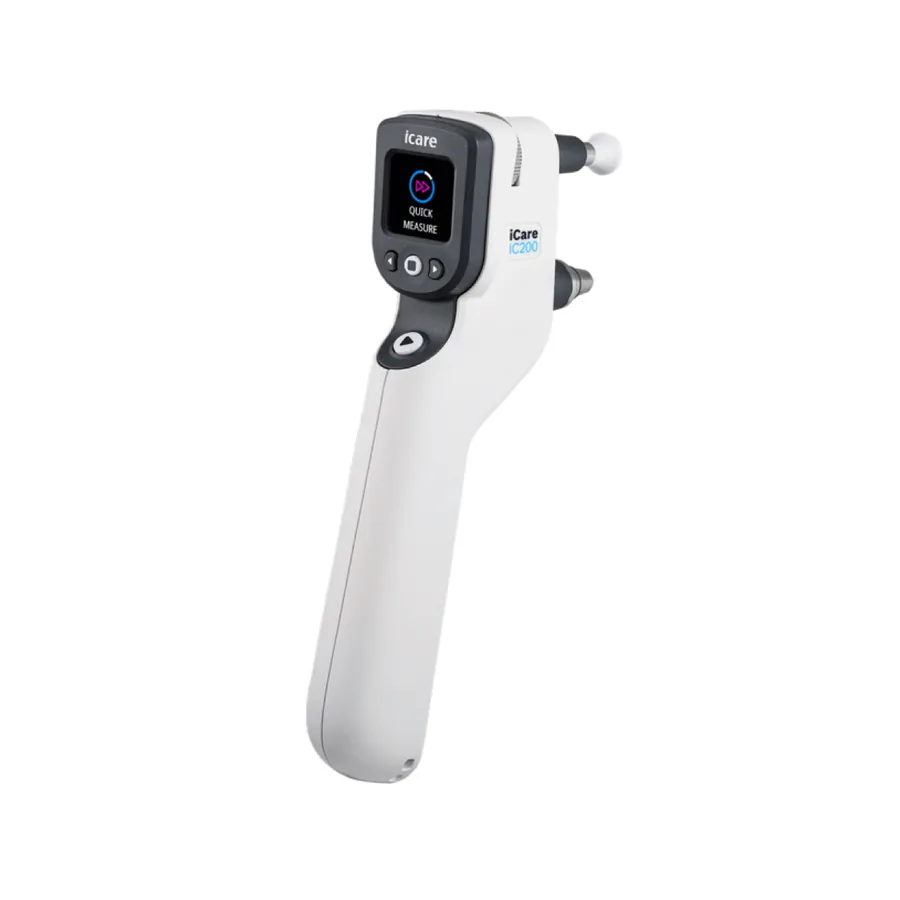
IC200 Rebound Tonometer
Rebound tonometry with 200 degrees of positional freedom, so IOP can be measured with the patient seated, reclined or fully supine.
Specifications reviewed: 2026-09-05
Manufacturer source:
iCare: COMPASS Perimeter.
Configurations and specifications change. Ask me to confirm before ordering.
Talk it through with me
Tell me how your practice handles this now and what you want it to do, and we can work through the options together. You do not need to have settled on a product first.